What Is Auracast Bluetooth and How Does It Work in Portable Speakers
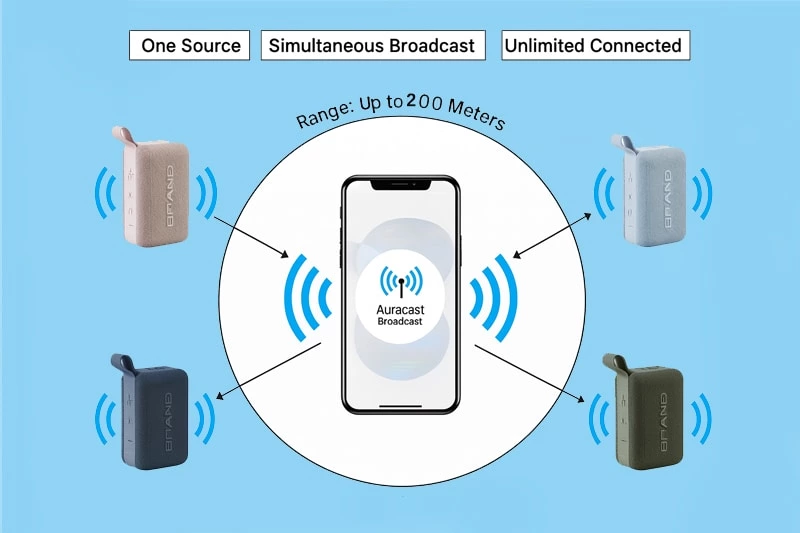
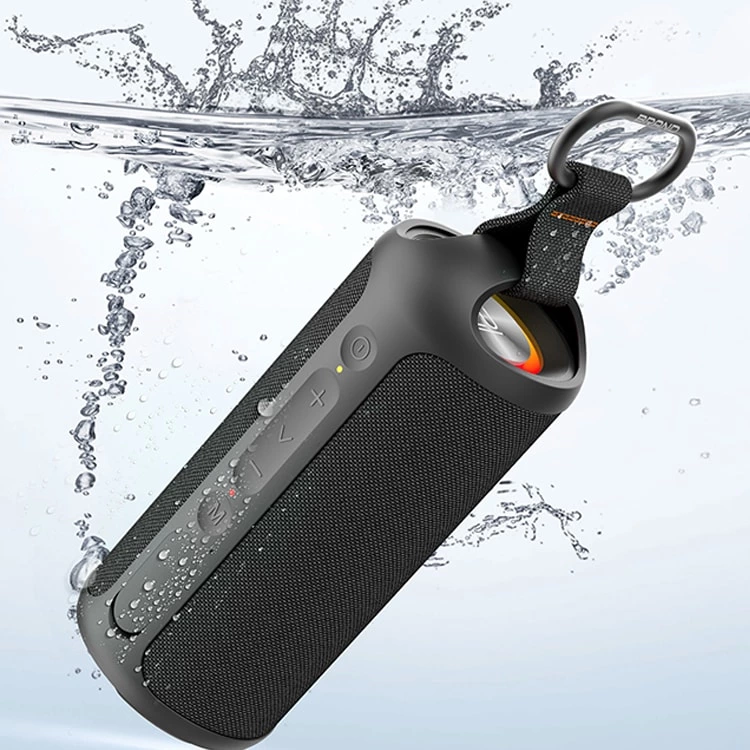
Image Source: Glorystrar
Auracast is a new Bluetooth technology. It lets you send sound to many devices at the same time. You do not need to pair your Bluetooth portable speaker with each person. Just pick an Auracast channel and start sharing sound. This technology lets unlimited receivers join. It helps people with hearing needs too. You can see the difference below:
| Feature | Auracast Bluetooth | Traditional Bluetooth |
|---|---|---|
| Device Connections | Many devices connect at once | Only one device connects |
| Audio Sharing | Easy group listening | Only one person listens |
| Use Cases | Good for personal and public use | Mostly for personal use |
| Compatibility | Works with many devices | Works with fewer devices |
You get an easy and fair way to share sound anywhere.
Key Takeaways
-
Auracast Bluetooth lets many devices connect at once. People can listen to audio together without pairing. This makes it easy for groups to listen. This technology gives better sound quality. It also works from farther away, up to 650 feet. This is more than regular Bluetooth. Auracast works with many devices. These include smartphones, hearing aids, and portable speakers. This helps more people use it. You can use Auracast in public places. These places include museums and airports. People nearby can join the audio stream easily. Look for devices with the Auracast logo. This helps you get its benefits. It can make listening better in groups and public places.
What Is Auracast Bluetooth
Key Features and Technology
Auracast Bluetooth is a new way to send sound wirelessly. It is built on Bluetooth Low Energy (LE) Audio. This helps save battery and gives you clear sound. You do not have to pair your device to listen. Just pick the audio channel you want, like picking a Wi-Fi network.
Here are some main things Auracast Bluetooth can do:
-
One transmitter can send sound to many receivers at once.
-
You hear the sound right away, with no waiting.
-
It works with many devices, like smartphones, hearing aids, and bluetooth portable speakers.
-
Auracast uses the Public Broadcast Profile (PBP) to set up and control broadcasts.
| Protocol/Standard | Description |
|---|---|
| Bluetooth LE Audio | Lets Auracast send audio to many devices at once |
| Public Broadcast Profile | Sets rules for how broadcasts work |
Bluetooth LE Audio lets Auracast send sound to any number of receivers from one transmitter.
You can listen with friends or family at home, school, or in public. You do not need to pair your device or worry about limits.
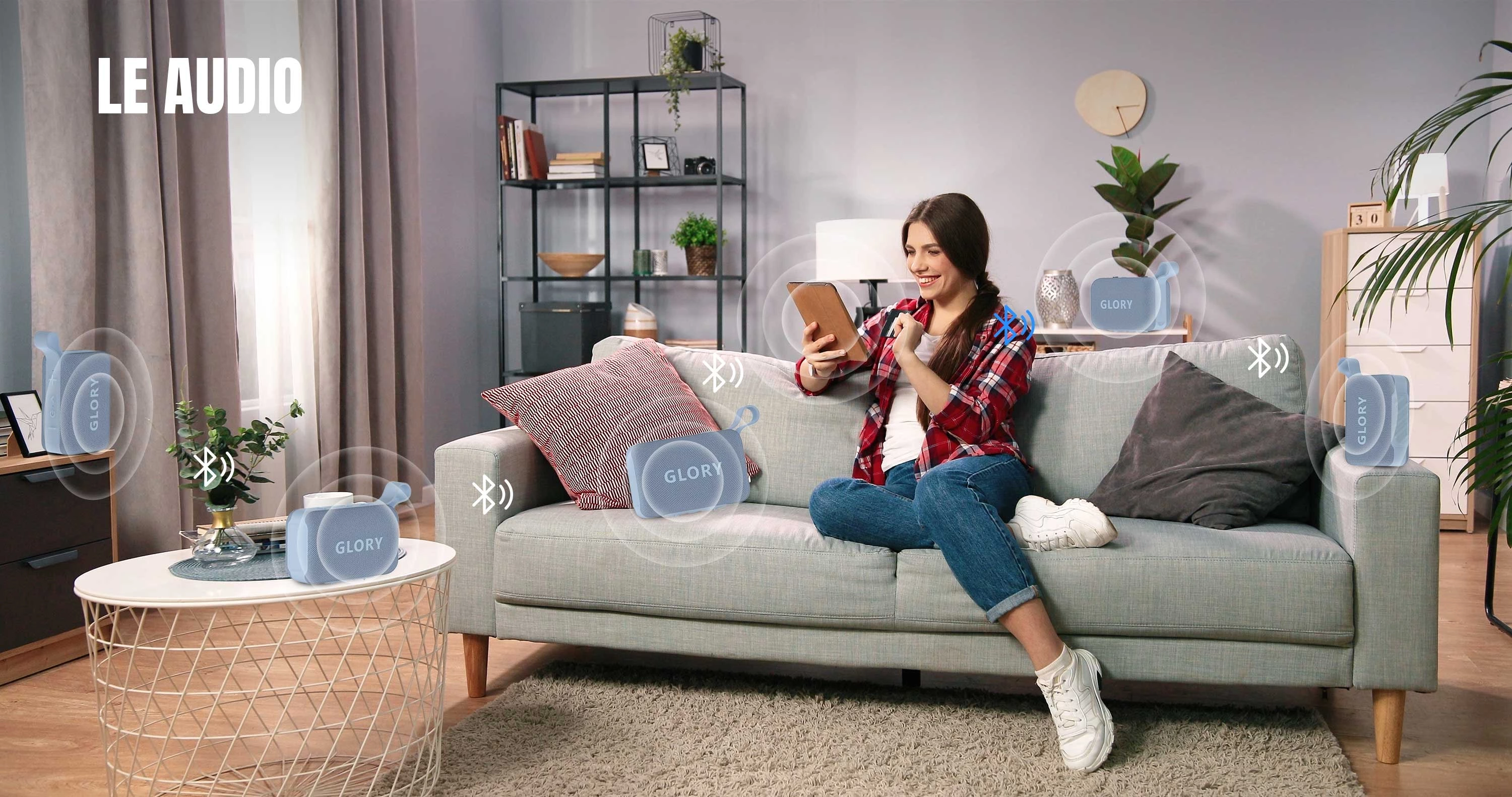
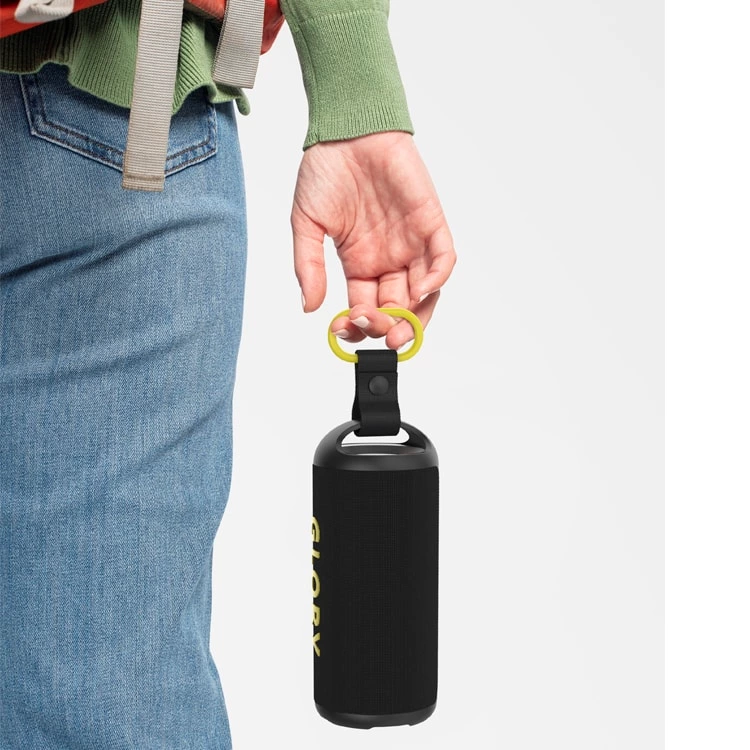
Image Source: Glorystrar
Differences from Traditional Bluetooth
Auracast Bluetooth is not the same as traditional Bluetooth. You will see these changes when you use a bluetooth portable speaker or other device.
| Feature | Auracast Bluetooth | Traditional Bluetooth |
|---|---|---|
| Power Consumption | Uses less energy | Uses more energy |
| Device Pairing | No need to pair devices | Devices must be paired |
| Range | Works up to 200 meters (650 feet) | Works up to about 10 meters(30 feet) |
| Audio Quality | Better sound with less delay | Normal sound quality |
| Codec | LC3 (better sound at lower rates) | SBC (standard codec) |
Auracast Bluetooth can reach farther and sounds better. You do not have to pair your device, so it is easier to use. It also saves battery, so your device lasts longer.
-
You can pick broadcasts like you pick a Wi-Fi network.
-
Auracast makes it easy to listen with a group.
-
It is simple to set up and helps people who need assistive listening.
-
It is a good way to share sound with many people and save money.
The Bluetooth Special Interest Group says Auracast can send sound to any number of receivers, like speakers or earbuds, with no pairing needed. This is great for group events or public places where many people want to listen at once.
Auracast Bluetooth gives you a better and more flexible way to listen than traditional Bluetooth.
How Auracast Works in Bluetooth Portable Speaker
Broadcast Audio Process
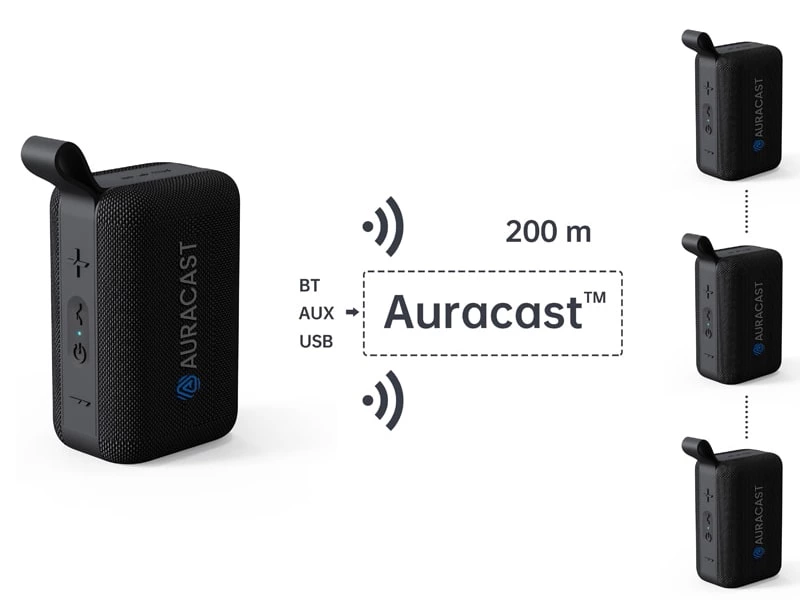
When you use Auracast with a bluetooth portable speaker, you can share sound in a new way. The speaker acts as a transmitter. It sends audio using Bluetooth Low Energy (LE) Audio. You do not need to pair your device. You just pick an audio channel, like picking a Wi-Fi network.
Here is how the broadcast audio process works:
-
The bluetooth portable speaker sends out its audio stream using the Basic Audio Profile (BAP).
-
The speaker shows its channel name and audio content. This makes it easy for you to find.
-
Your device, like a smartphone or headphones, looks for Auracast channels.
-
You pick the channel you want to join.
-
The speaker sends audio right away to all devices that connect.
Tip: You can use this process in places like museums, airports, or fitness classes. The speaker can send music, instructions, or announcements to everyone nearby.
To use Auracast, a bluetooth portable speaker must meet some technical rules. The table below shows what is needed:
| Requirement | Description |
|---|---|
| Bluetooth Qualification Process | Products must pass this process to use Auracast trademarks. |
| Basic Audio Profile (BAP) | Tells how devices can show and send broadcast audio streams. |
| Common Audio Profile (CAP) | Makes sure broadcast audio streams work together and stay in sync. |
| High-Quality Broadcast Configurations | Lets speakers send better audio streams. |
These rules help your speaker send audio clearly and without problems.
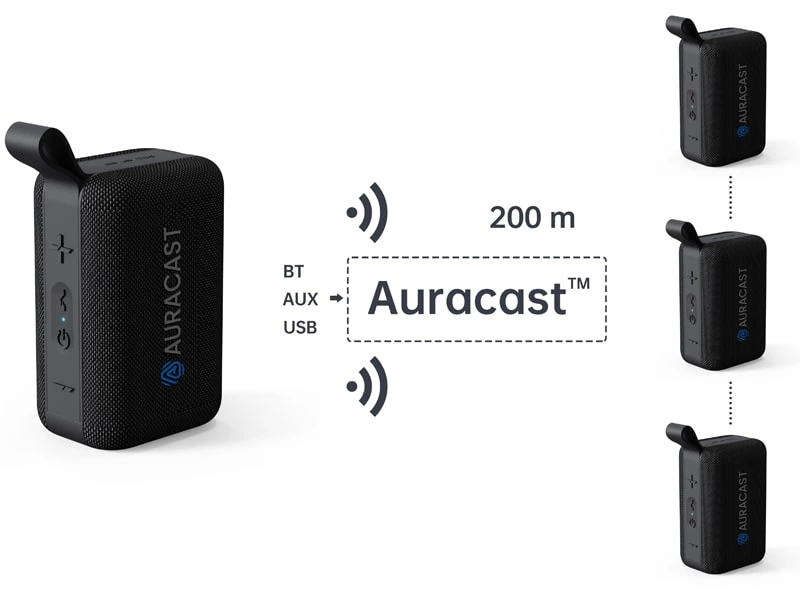
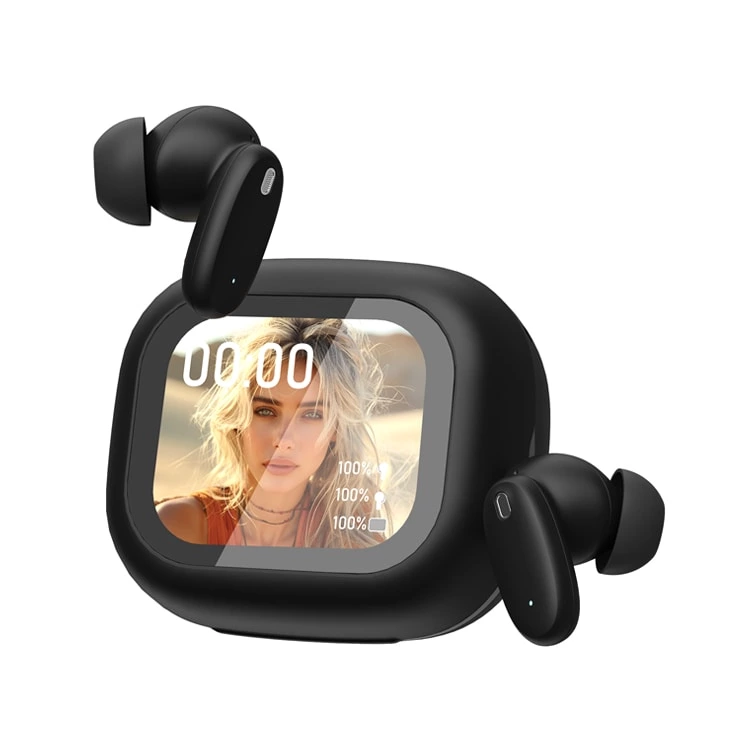
Image Source: Glorystrar
Multi-Device Listening
Auracast™ changes how you listen with other people. You do not have to worry about pairing limits. Any number of people can join the broadcast from your bluetooth portable speaker at the same time. It works like an FM radio. Anyone close enough can listen.
Key points about multi-device listening:
-
Auracast lets unlimited devices get audio at once.
-
There is no limit, as long as devices are close to the speaker.
-
The sound stays smooth, even with lots of listeners.
You can use this feature in many real-life ways:
-
On a group tour, everyone can hear the guide’s voice with their own headphones.
-
At a party, friends can listen to the same playlist on their own devices.
-
In a classroom, students can follow lessons using their own earbuds.
Note: The sound quality may depend on signal strength and the place you are in, but Auracast™ is made to work well with big groups.
With Auracast, your bluetooth portable speaker becomes a great way to share sound. You can connect with friends, family, or even new people. You do not need to pair devices. This technology makes group listening easy for everyone.
Benefits for Portable Speakers
Audio Quality and Range
If you use a bluetooth portable speaker with Auracast, you get better sound. You can also move around more without losing the music. Auracast Bluetooth uses new tech to keep the sound clear, even in busy places. You do not have to worry about losing the signal if you walk far away. The range can go up to 300 feet, which is much farther than old Bluetooth.
Here is a table that shows how Auracast Bluetooth is different from older Bluetooth:
| Feature | Previous Bluetooth Versions | Auracast Bluetooth |
|---|---|---|
| Audio Quality | Standard quality | Enhanced quality |
| Power Consumption | Higher consumption | Reduced consumption |
| Range | Limited range | Up to 300 feet |
| Number of Devices Supported | Fewer devices | Increased devices |
You can listen to music, podcasts, or announcements for longer. The battery does not drain as fast. The sound stays clear, even if you walk away from your bluetooth portable speaker.
Tip: You can use your speaker in big places like gyms, parks, or classrooms. The sound will still be good, even if you are far away.
Group Sharing and Accessibility
Auracast Bluetooth makes it simple to share sound with friends or big groups. You do not need to pair each device one by one. Anyone close can join the audio channel and listen together. This is great for parties, tours, or group workouts.
-
You can share music or instructions with everyone at the same time.
-
People with hearing aids or special needs can join the broadcast easily.
-
Places like theaters, airports, and churches can send sound to many people at once.
Auracast Bluetooth also helps people who need extra help to hear. You can get a private audio feed on your hearing aids, earbuds, or phone. This makes it easier to hear in loud or echoey places. Early reports say Auracast works well in public spaces with bad sound, like cathedrals and theaters.
You will see more bluetooth portable speakers with Auracast soon. Experts think millions of places will use this tech by 2030. This means you will have more ways to listen with groups and hear better wherever you go.
Device Compatibility and Setup
Supported Devices and Integration
Auracast Bluetooth is now in many new devices. Big brands like JBL, Sennheiser, and Sony use this technology. The table below lists some devices that have Auracast Bluetooth:
| Manufacturer | Device Models |
|---|---|
| JBL | Xtreme 4, Clip 5 |
| Sennheiser | MOMENTUM True Wireless 4 |
| Sony | WH-1000XM6 |
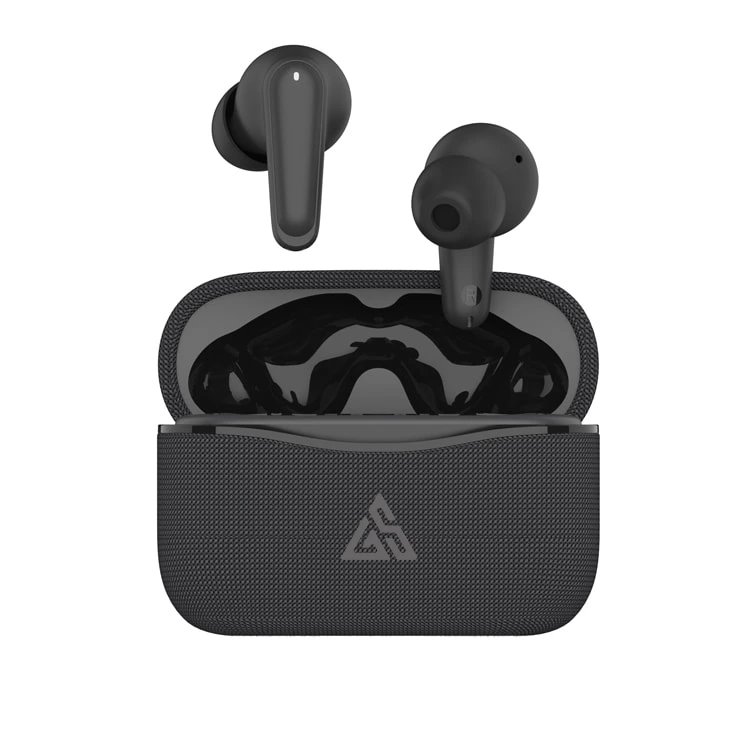
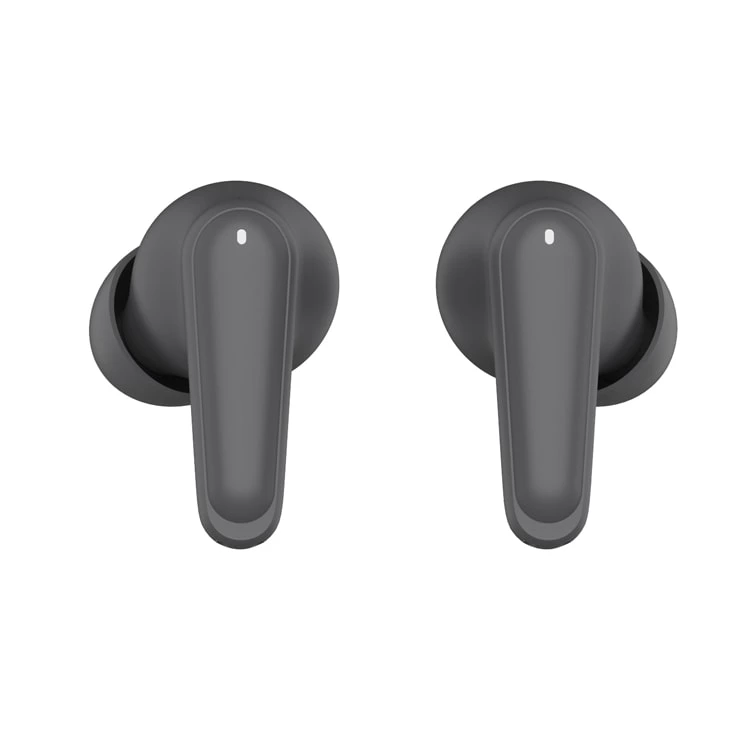
| GloryStar | P100 |
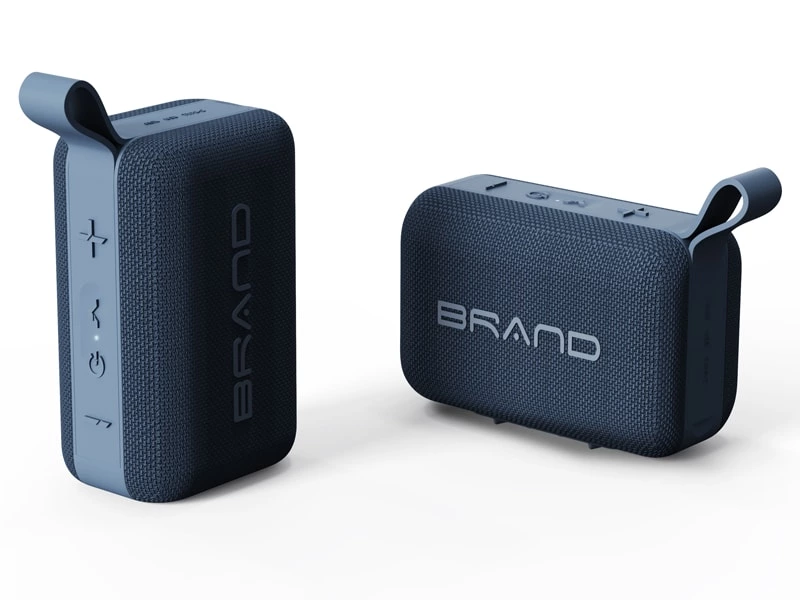
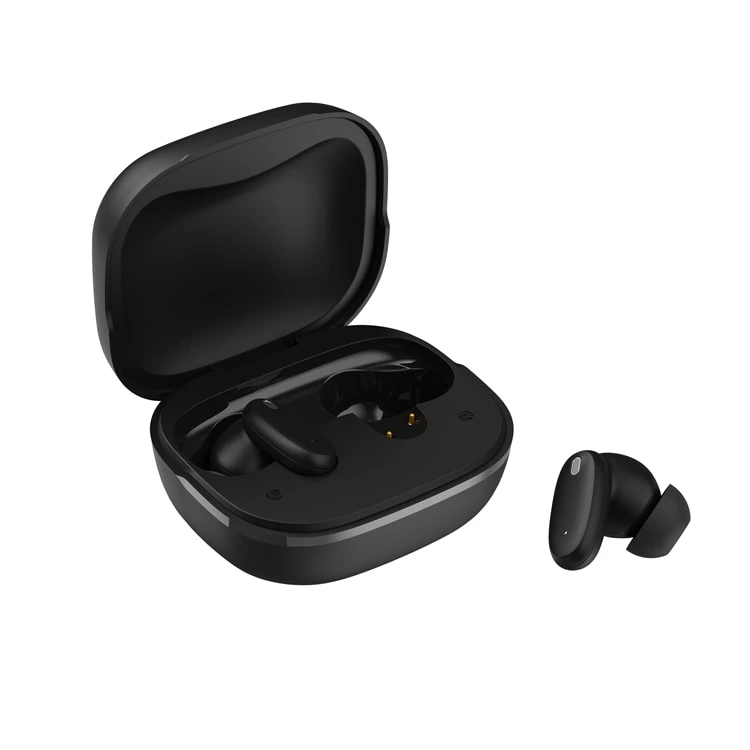
Image Source: Glorystrar
You can find Auracast in bluetooth portable speakers, headphones, and hearing aids. This helps you listen with groups or by yourself in lots of places.
To put Auracast in a device, companies do a few things:
-
They choose how Auracast will work in the device. They check if the hardware can use it. They add the Generic Audio Framework (GAF) and test for quality.
-
They finish the Bluetooth Qualification Process. This makes sure the device follows all Bluetooth rules.
-
When they pass, they put the Auracast name and logo on the device and ads.
Companies must make sure the hardware fits Auracast. Some old devices might need updates. It can take time and work to meet all Bluetooth rules.
Backward Compatibility
If you have an older bluetooth portable speaker, you do not need to worry. Devices with LE Audio and Auracast can still work with older speakers. They use dual-mode operation. When you connect to an old device, your new product switches to Classic Audio mode. You keep basic features, but you need a compatible device for Auracast benefits.
Note: You can use your current devices now. You can upgrade later for all Auracast features.
Real-World Scenarios
Home and Social Use
You can use Auracast at home or with friends. This technology lets everyone listen together. You do not need the same device. Here are some ways you can use it:
-
You watch TV at home. The sound goes to your hearing aids, earbuds, or phone. Others in the room are not bothered.
-
You join a group talk or meeting. Auracast helps you hear the speaker well. It works even if there is noise in the background.
-
You go to a museum or theater. The place offers different audio streams. You pick the one you want on your device.
Auracast makes it easy for groups to listen. You can use a bluetooth portable speaker to play music or podcasts for friends. Everyone hears the same thing, no matter where they sit.
Public and Event Applications
Auracast works in public places and at events. You can connect to broadcasts in big spaces. The sound stays clear. Here are some ways people use it:
-
At a concert or live event, you get sound from the event’s system. You hear music or speeches well, even if the crowd is loud.
-
On a guided tour, the guide sends their voice to your hearing aids or headphones. You hear every detail, even in busy places.
-
In classrooms or colleges, you connect to the teacher’s microphone. You hear lessons clearly. This helps you learn more.
Auracast™ helps everyone join in. Places like airports and stadiums use it for people with hearing loss. They only need a transmitter, not special gear. At conferences, you can listen to any speaker’s audio on your own device. This blocks out noise and makes listening easier for all.
Auracast™ Bluetooth makes portable speakers more useful. The sound is clear and easy to hear. It is simple for groups to listen together. More people can join in, even in noisy places. Experts say Auracast™ helps you share sound with lots of people. It also makes listening easier when it is busy.
-
You do not need to pair your device.
-
You get a bigger range and more ways to listen with friends.
Big companies think Auracast™ will become popular quickly. Sharing sound will be easy and common everywhere. You can find Auracast™ devices and try these features in your daily life.
Image Source: Glorystrar
FAQ
What is Auracast™ Bluetooth used for?
You use Auracast™ Bluetooth to share audio with many devices at once. It works well for group listening, public announcements, and helping people with hearing needs. You do not need to pair each device.
What devices work with Auracast™ Bluetooth?
You find Auracast™ in new bluetooth portable speakers, headphones, earbuds, smartphones, and hearing aids. Many brands now add this technology to their latest products.
What makes Auracast™ different from regular Bluetooth?
Auracast™ lets you broadcast audio to unlimited receivers. You do not need to pair devices. The range is longer, and the sound quality is better. You can join a channel like you join Wi-Fi.
What do you need to start using Auracast™?
You need a device that supports Auracast™, such as a compatible speaker or headphones. Look for the Auracast™ logo or check the product details before you buy.