AI translation glasses for cross‑border business meetings: how they really work—and when they beat phones or earbuds
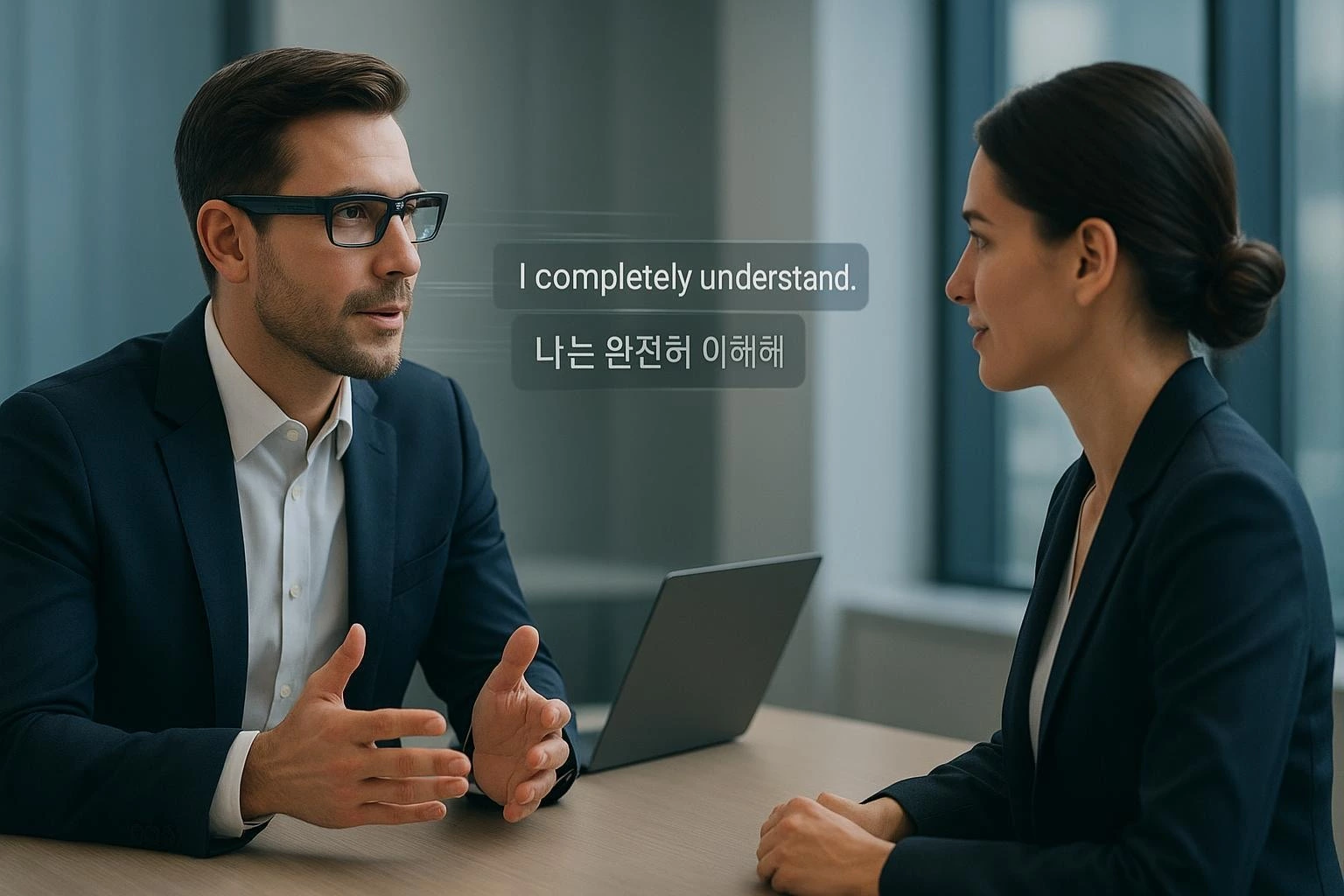
At a high level, AI translation glasses follow a streaming pipeline designed to keep conversation natural while protecting context and privacy.
-
Capture. Microphones embedded in the frames or temples form a small array. Beamforming and noise reduction isolate the active speaker while suppressing HVAC hum and side chatter.
-
Speech recognition (ASR). Audio is sliced into short windows (often under a quarter second) and decoded incrementally so you see interim words appear quickly. Some systems run a lightweight first pass on‑device, then refine on a paired phone or in the cloud.
-
Translation (NMT). Partial transcripts stream to a neural machine translation model. The system buffers just enough to avoid awkward mid‑sentence reflows while keeping perceived delay low.
-
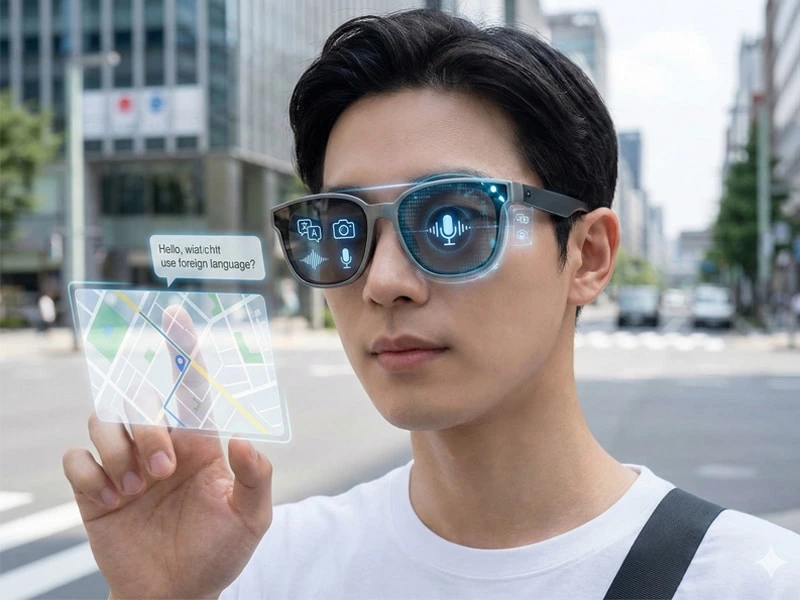
Output & UX. Translated text renders as AR subtitles in your field of view and/or plays via text‑to‑speech. Meeting‑friendly UX usually labels speakers and aligns subtitles to turns, so you can maintain eye contact instead of staring at a phone.
Why latency budgeting matters: for natural turn‑taking, planners often aim to keep one‑way mouth‑to‑eye (subtitle) delay far below the conversational thresholds defined in the telecom world. The classic engineering reference is the ITU‑T guidance on one‑way transmission time, which describes how delay starts to disrupt dialogue as it rises; see the overview in the authoritative ITU‑T G.114 one‑way transmission time recommendation.
What actually matters in a meeting
Latency you can feel. You don’t need lab gear to sense delay. Sub‑second subtitles feel fluid; multi‑second pauses force people to wait and stack up responses. Design choices that lower perceived latency include on‑device first‑pass ASR, streaming NMT, and avoiding long buffering.
Diarization and turn‑taking. In multi‑participant meetings, the system should correctly tag “who said what” and display clean turn boundaries. Online diarization approaches that operate in fixed, small chunks tend to keep latency predictable and prevent subtitle churn in crosstalk.
Noise robustness. Room fans, projector whine, and side conversations can wreck recognition. Mic‑array geometry and beamforming quality matter as much as the model. Glasses capture voices at head level and benefit from spatial filtering; earbuds capture nearer the mouth but lack a visual subtitle channel.
Privacy and compliance. On‑device modes keep audio local. Hybrid or cloud modes usually improve language coverage but introduce data transfer, logging, and retention considerations. Enterprises should map data flows and set retention to the minimum. The European Data Protection Board’s guidance on voice assistants is a useful lens for duties like lawfulness and data minimization; see the Guidelines on virtual voice assistants (v2.0).
Comfort and battery. If you’ll wear translation all afternoon, fit, weight, and heat matter. Efficient radio/codec choices and selective cloud use help preserve battery in “meeting mode.”
Bluetooth transport details. Where audio must traverse Bluetooth, codec and profile affect delay. LE Audio’s LC3 codec was designed for low‑latency voice on isochronous channels; you can find engineering‑level latency characterization in the Bluetooth SIG LC3 performance white paper. Real‑world performance still depends on stack and buffering, so validate in your rooms.
When AI translation glasses beat phones or earbuds
Glasses aren’t automatically better. They win when the meeting requires eye contact, hands‑free operation, and low‑friction turn‑taking under mild to moderate noise. Here’s the practical comparison.
| Scenario/criterion | AI translation glasses | Smartphone interpreter apps | Translation earbuds |
|---|---|---|---|
| Hands‑free, heads‑up dialogue | Strong: subtitles in view preserve eye contact | Weak: handling and pointing breaks flow | Strong for audio; no visual subtitles |
| Turn‑taking with multiple speakers | Good with speaker labels and clean turn boundaries | Mixed; phone in the middle can misattribute | Mixed; audio whispers can collide |
| Noise handling | Good with beamforming at head level; still room‑dependent | Often worse due to distance and ambient pickup | Strong near‑mouth capture; depends on mic and ANC |
| Privacy posture | Strong when on‑device or hybrid with no retention | App‑dependent; may default to cloud | App‑dependent; cloud common |
| Note‑taking and comprehension | Strong: read while listening; easy to quote later | Mixed: screen sharing helps but heads‑down | Weak: no text unless paired to app |
| Best use cases | In‑person meetings, walk‑and‑talks, briefings | Backup option; signage/doc translation | One‑to‑one conversations, tours |
A qualitative journalism thread argues that subtitle‑style glasses improve eye contact and reduce cognitive load compared with audio‑only whispers. Treat that as directional insight rather than a benchmark; for example, see RayNeo’s vendor guide on smart glasses for real‑time translation.
Configure for a meeting: low latency, privacy, and noisy rooms
Below are field‑tested configurations you can adapt. Think of them as presets you enable before a session.
-
Low‑latency dialogue
-
Enable on‑device first‑pass ASR and streaming translation. Avoid batch “finalize then show” modes.
-
Prefer LE Audio paths for spoken feedback where supported to reduce buffering; keep radio distance short.
-
Turn on interim subtitles so participants see words appear quickly, then finalize at turn end.
-
Privacy‑first mode
-
Keep audio processing on‑device when feasible; if you must use cloud NMT, select regional endpoints and disable retention/logging.
-
Display a visible privacy indicator so participants know the current mode.
-
Share a one‑page data‑flow summary pre‑meeting for consent when needed.
-
Noisy conference room
-
Use directional/beamforming “focus on the far speaker” capture if available.
-
Raise subtitle font weight/contrast and pin subtitles slightly higher in the field of view to avoid table reflections.
-
Ask overlapping speakers to take short turns; diarization is better than it used to be, but heavy crosstalk still degrades accuracy.
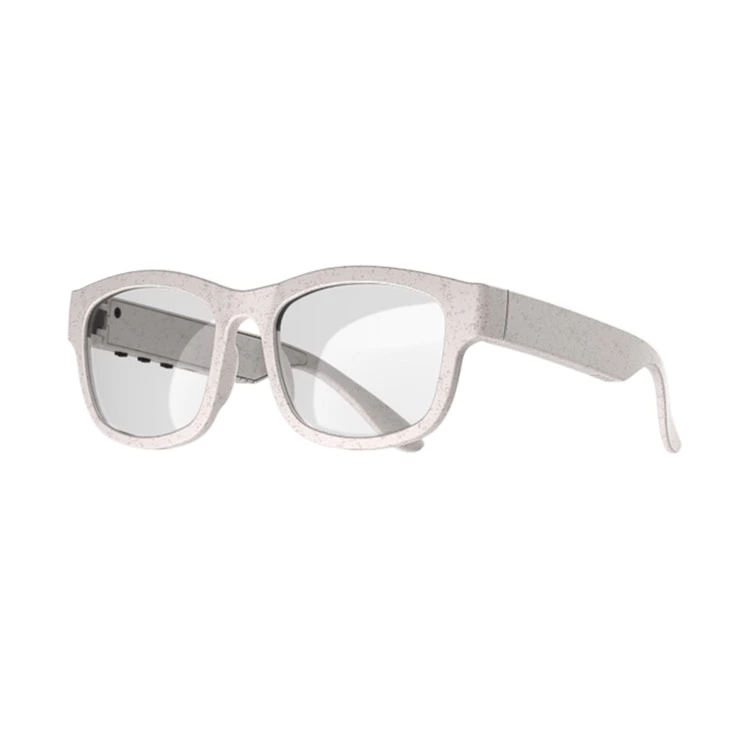
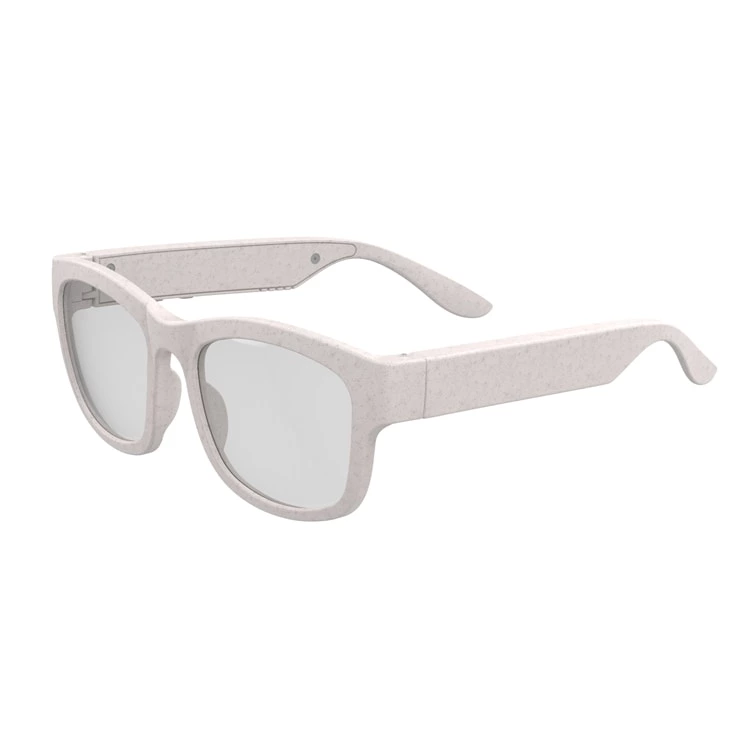
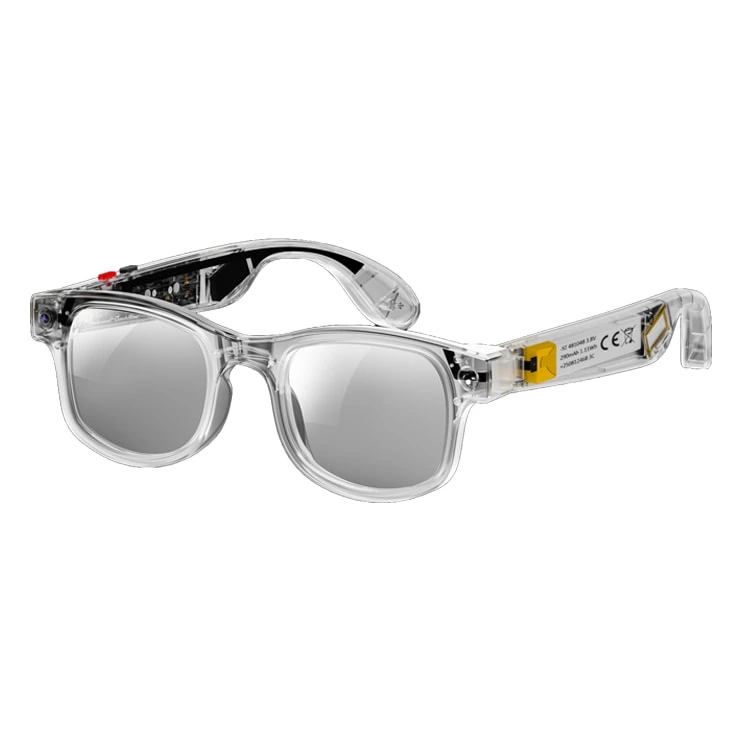
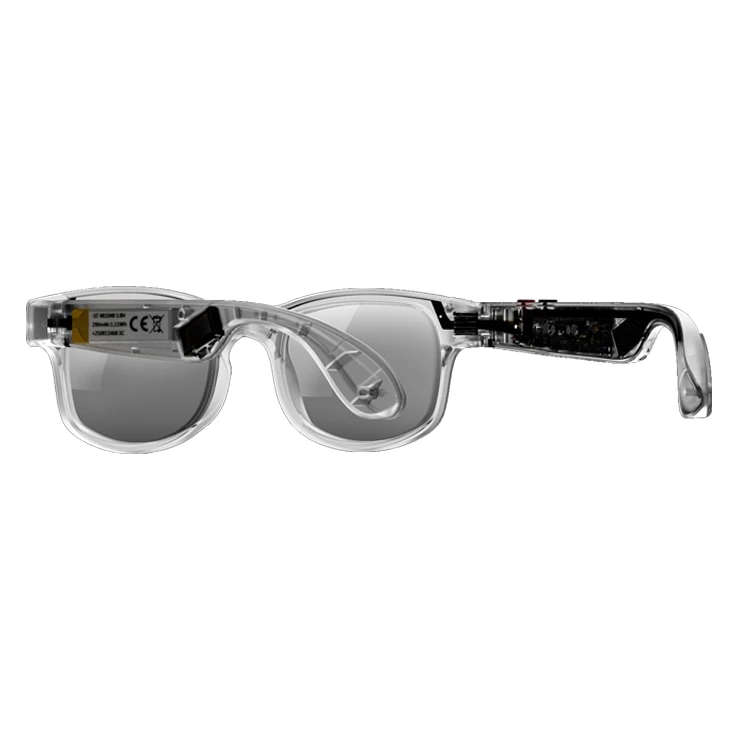
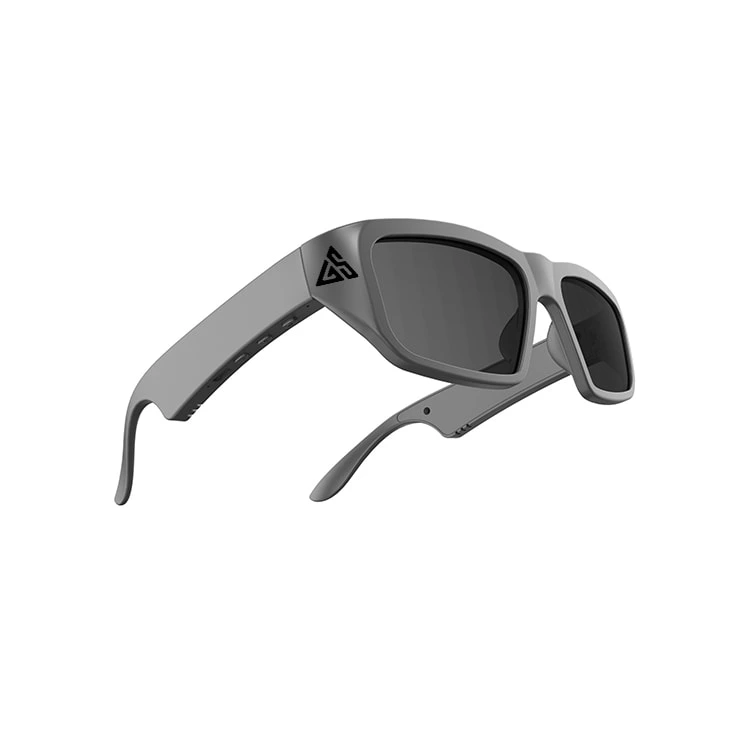
Disclosure: Glory Star is our product. When you want to see how an AR subtitle implementation looks in practice, this overview of AI Bluetooth smart glasses with instant translation shows a typical UX pattern (heads‑up subtitles and optional audio playback) without prescribing a specific deployment.
Enterprise deployment notes: conference platforms and IT controls
Zoom. You can build companion apps that receive live transcription/translation events through the Video SDK and use them to drive subtitles on glasses. This is separate from standard Zoom Meetings captions; see Zoom’s developer documentation on Video SDK live transcription and translation.
Microsoft Teams. Real‑time captions aren’t exposed through a simple API. For live processing you typically join as a media bot to access audio, then run your own ASR/NMT and render results to your users; post‑meeting transcript retrieval is available via Graph. Microsoft’s overview explains how to get meeting transcripts through Graph APIs.
Webex. Third‑party caption providers can inject CART captions with tokens, and developers can receive transcription events when Webex Assistant is enabled. Cisco’s help center details manual closed captioning with CART.
Admin prerequisites. All three ecosystems require appropriate tenant permissions and legal terms for transcript handling. Document who can enable/disable live transcription and ensure retention defaults match corporate policy. For privacy engineering, NIST’s Privacy Framework offers a practical structure for identification, governance, control, communication, and protection; see the NIST Privacy Framework FAQ.
Buyer’s checklist and minimum viable specs
Use this as a quick screen when shortlisting devices and apps for bilingual meetings.
-
End‑to‑end feel: Subtitles start appearing rapidly during speech and finalize cleanly at the end of turns. In pilot rooms, participants report minimal pause‑pressure.
-
Diarization: Clear speaker labels with an easy way to remap labels to names (e.g., “Speaker 2 → Elena”). Handles brief overlaps without reflow chaos.
-
Privacy modes: On‑device option; in cloud mode, visible indicator and documented retention = off by default. Clear data‑flow diagrams.
-
Bluetooth and audio: LE Audio/LC3 support where applicable; stable connectivity in your rooms; minimal audible artifacts.
-
Battery/comfort: All‑afternoon usability in meeting mode; frames that don’t create hotspot pressure; brightness that remains legible in varied lighting.
-
Integrations: A defined path for Zoom/Teams/Webex workflows that your IT team can operate; documented admin and legal prerequisites.
-
Language/domain: Sufficient language coverage for your markets and a way to bias terminology (custom vocabulary or prompts for key terms and names).
A quick meeting vignette
You arrive five minutes early for a cross‑border negotiation. You start privacy‑first mode, confirm subtitles show interim words, and pair to the conference room Wi‑Fi. As introductions begin, the glasses label “Speaker 1” and “Speaker 2.” You read and listen at once; turns stay tight because the first pass appears quickly, finalizing at natural pauses. When the discussion shifts to contract language, you pin subtitles slightly higher to keep eye contact. One participant grows quiet, so you hand them a companion card explaining captions are on and retention is off. The meeting ends on time—no awkward phone handoffs, no whispered relays, and your notes align perfectly to who said what.
Closing thoughts
AI translation glasses are not a silver bullet, but for in‑person meetings where eye contact, privacy options, and fluid turn‑taking matter, they can outperform both phones and earbuds. Start with small pilots in your real rooms, measure perceived latency and subtitle clarity, and formalize privacy modes before scaling. If you get the pipeline, policies, and presets right, the technology fades into the background—and the conversation takes the lead.